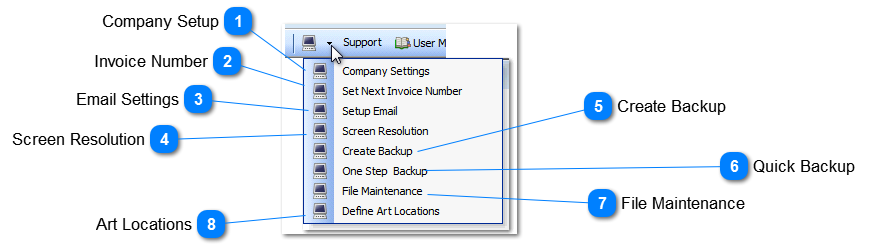
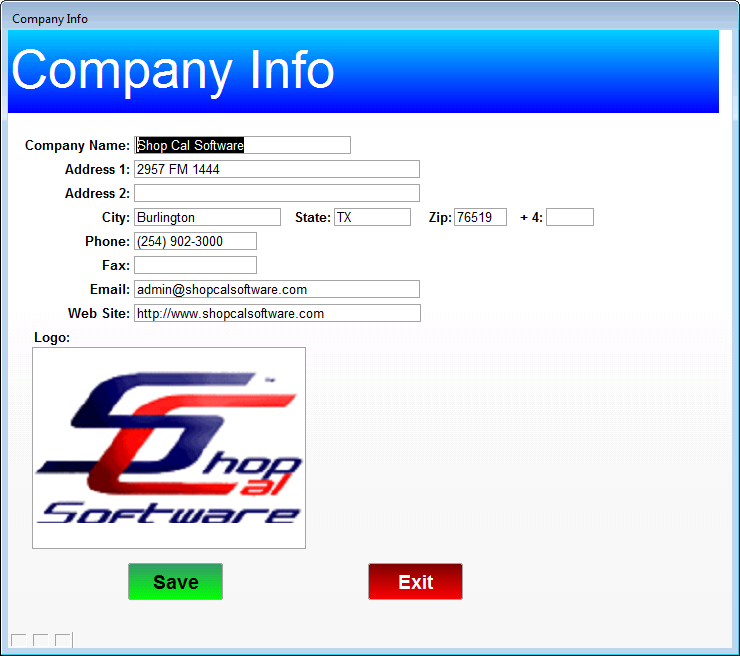
Company Setup |
|
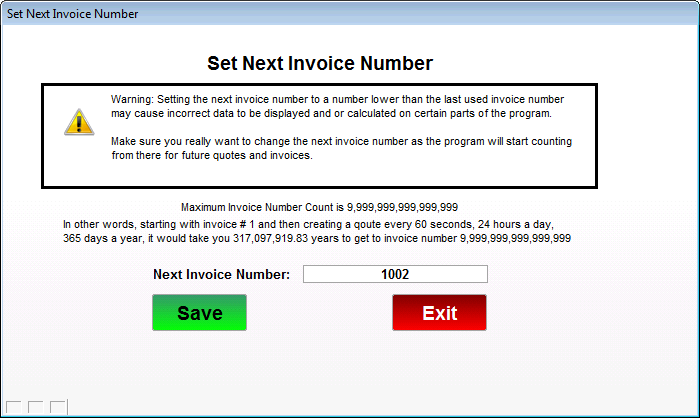
 Invoice Number |
|
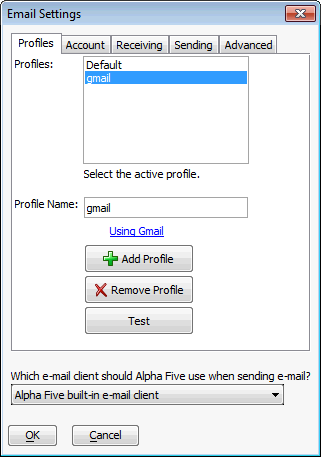
 Email Settings
|
|
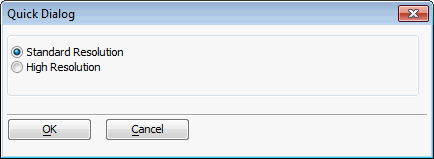
 Screen ResolutionSets the size of the Estimate and Matrix screens as displayed on your PC
|
|
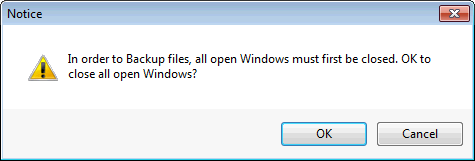
 Create BackupYou will first see this message.
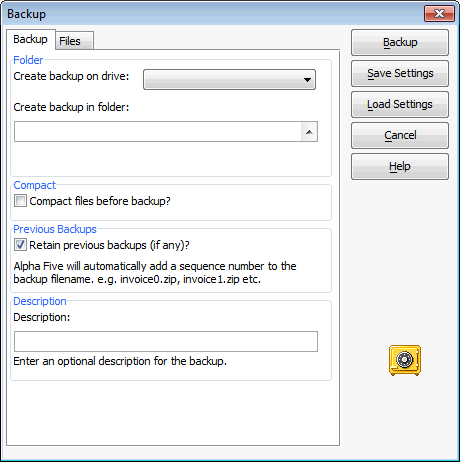
Clicking OK will then show this pop-up for you to specify the backup file settings.
|
|
 Quick BackupClicking this displays
If you select OK then the backup is performed without asking for any backup setting details.
|
|
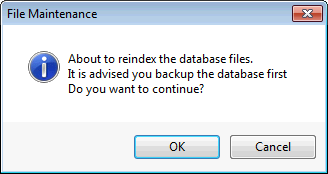
 File MaintenanceOnly run if data becomes incorrect.
|
|
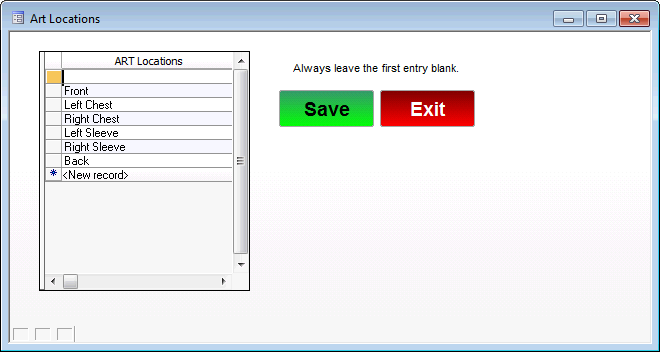
 Art LocationsArt Location Selection List.
|
|