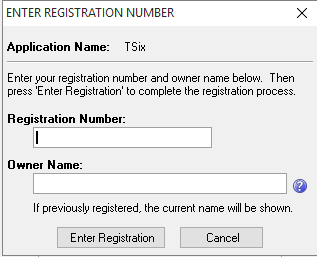
Registering T-Six
To Request your registration number and register T-Six do the following.
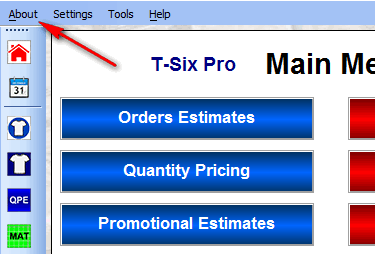
From the menu, click About
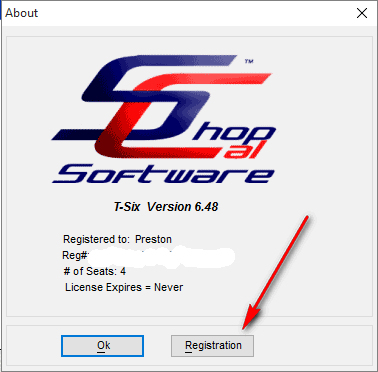
Next click the Registration Button
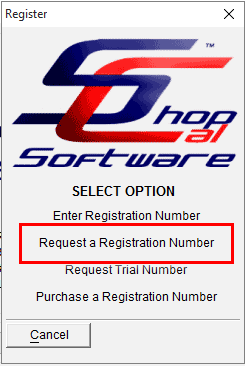
On the next popup Select "Request Registration Number"
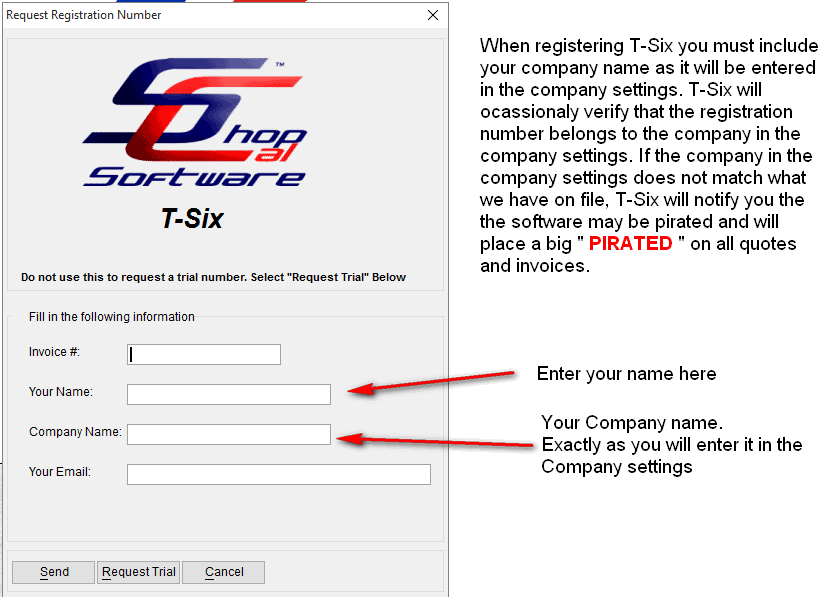
Fill in the required information and click Sent.
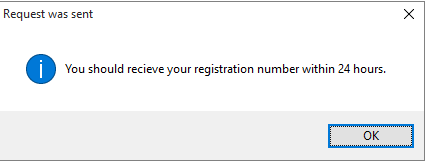
If the request was successully sent you will see this message.
If it was unsuccessful you will see these two messages.
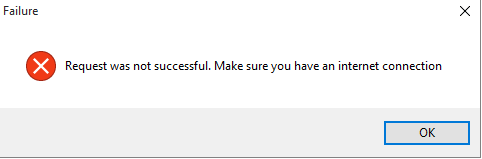
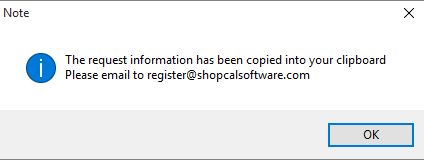
If this is the case then go to http://www.shopcalsoftware.com/helpdesk/
and submit a support ticket.
In the ticket body, paste the information from your clipboard that was copied there
when the request failed.
Once you have recieved your registration number, repeat steps 1 and 2
Then select "Enter Registration Number"
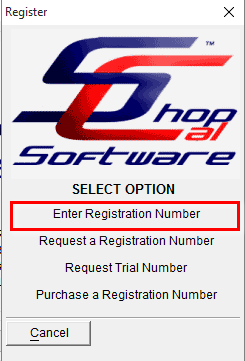
Then enter your registion number and clik ok.