Promotional Products
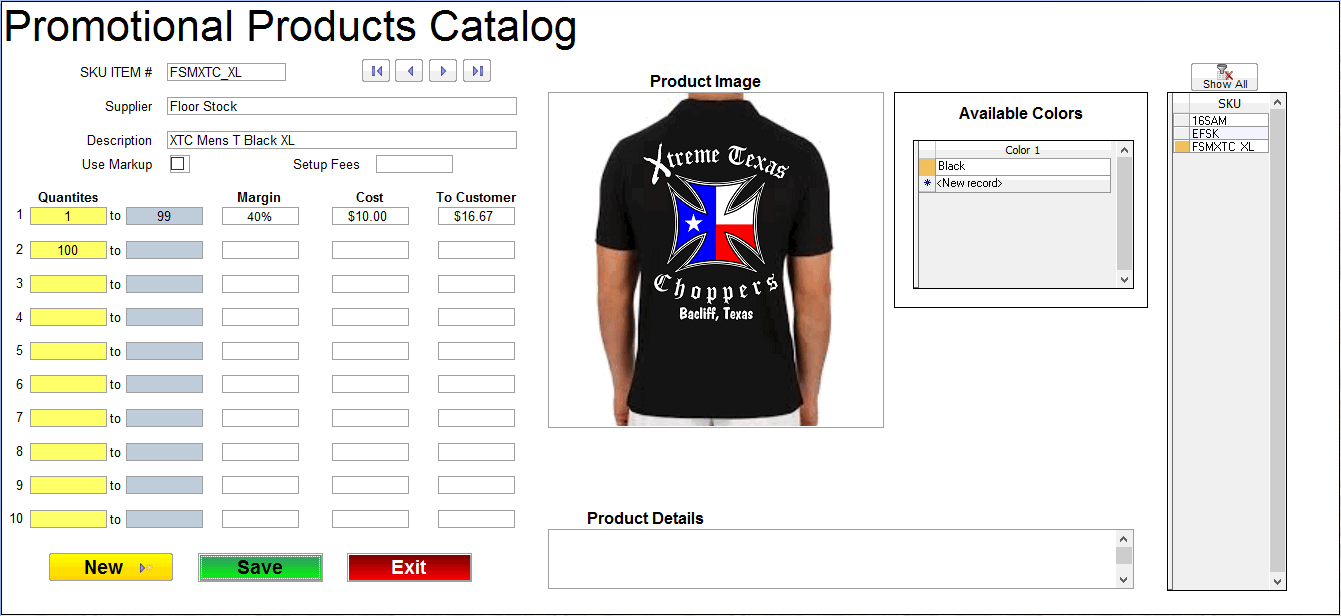
This is where you add promotional products to sell.
Enter an SKU Item # and then the supplier name.
Next enter the item description.
Now enter the quantity breaks and margin or markup for each break level.
Enter your cost from your promo product supplier and T-Six will calculate the price to customer for each quantity break level.
You can also pass any setup fees by entering that amount in the setup fees box.
While this was designed for promo items it can also be used for selling floor stock in shops that have a show room.