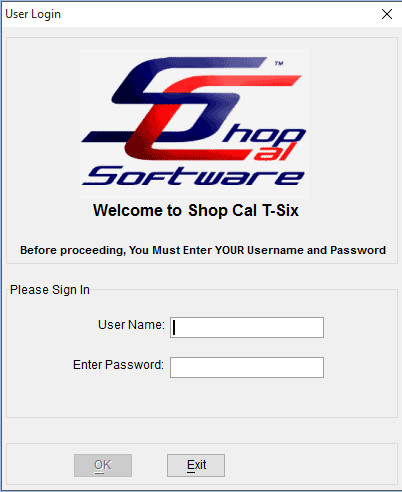
Logging In
You can set T-Six to require login for aditional security.
By default T-Six logs you in automaticly as the Admin. To change this, complete the following steps.
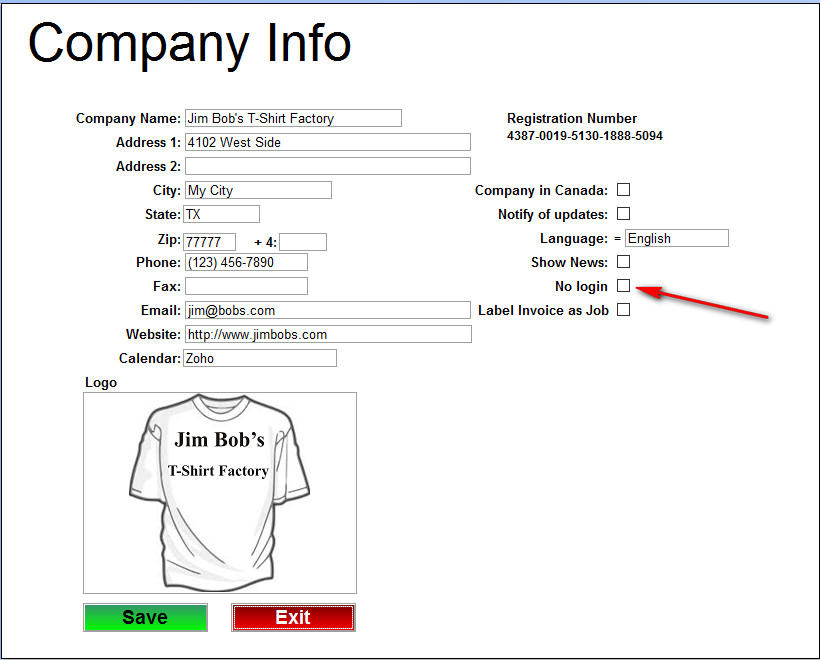
From the Main Menu clcik the Company Setup Button. 
Then UnCheck the "No Login" Option and then save.
The next time you start T-Six it will require a username and password to login.
The default login is User = admin - Password = admin