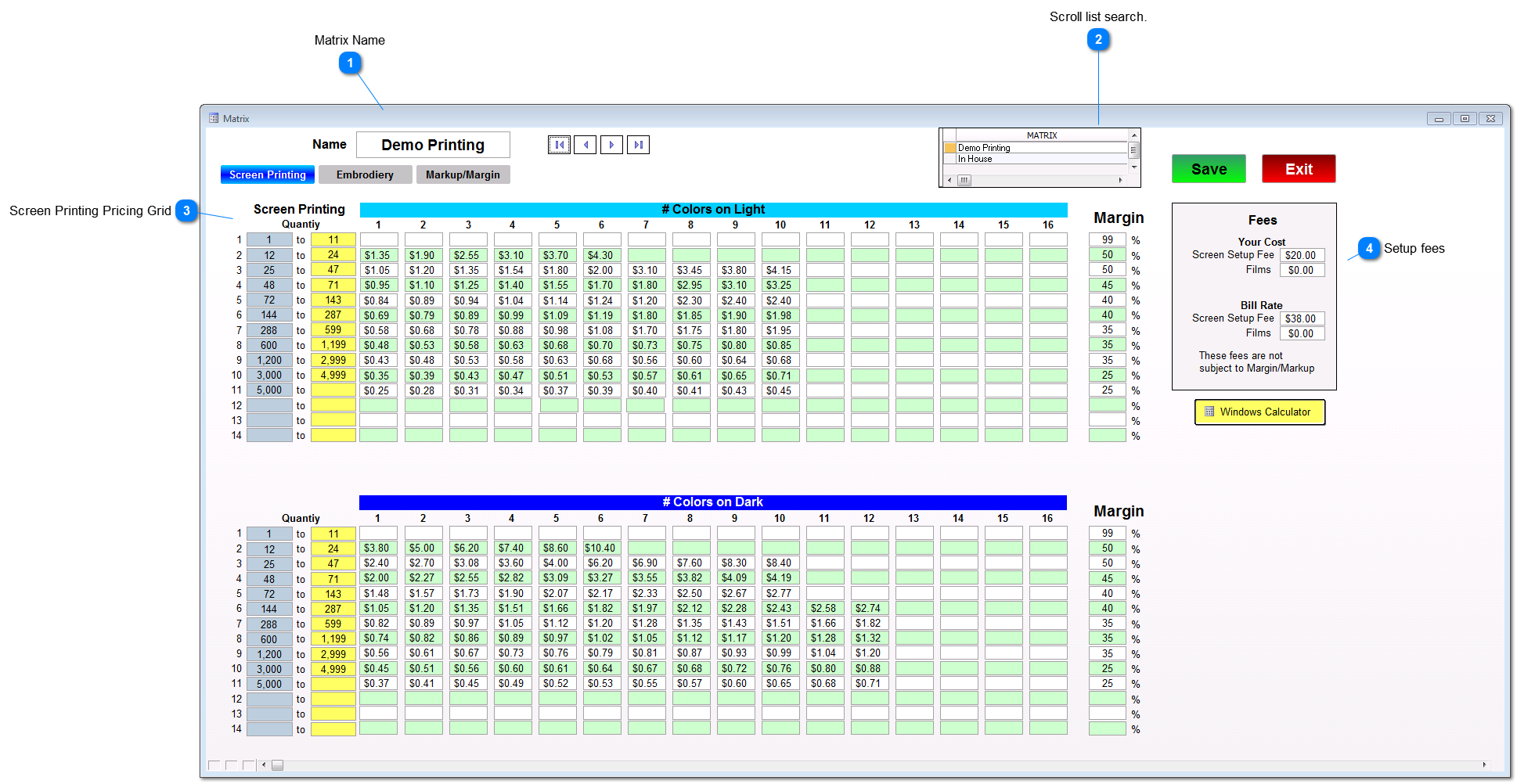
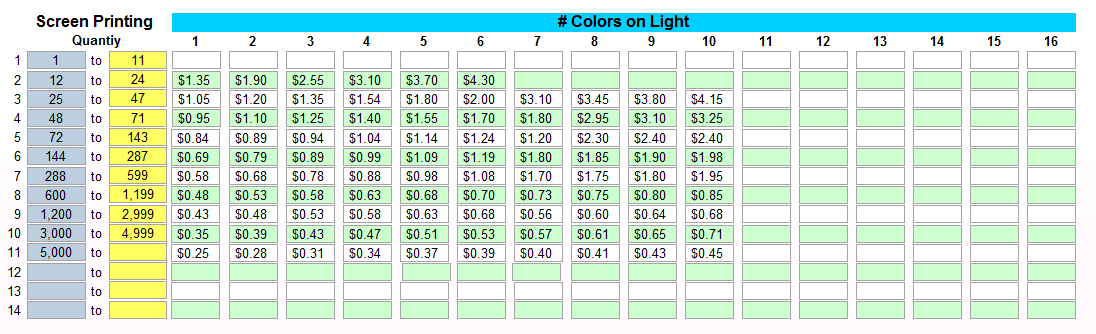
Enter the quantity break points you want and then the print charge for each color and quantity you offer. You can price up to 16 colors and 14 price breaks.
The intelligent Matrix automatically knows to not allow you to select a price/quantity combination while on the Workorder/Estimate Screen and will warn you that pricing is not available.
Pricing setup on the "# Colors on Light" Grid is used for pricing prints on White or Light colored garments. Use the "# Colors on Dark" Grid for pricing prints on dark garments.