Installing to a USB Drive
When installing to a USB drive so that you can move your data from one computer to another use the following steps.
-
Plug a USB drive into your computer and allow Windows to assign a drive letter.
-
Run the full installer or Lite installer depending on your needs as explained under
Installing.
-
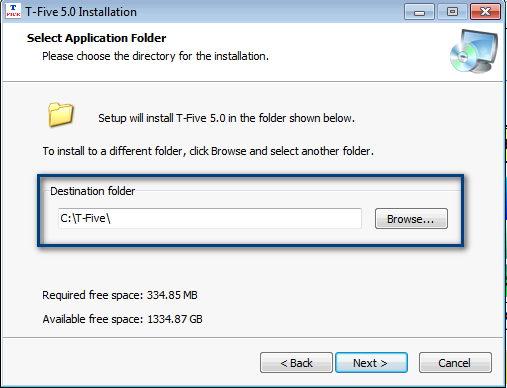
When asked for the destination folder ,browse to the USB drive letter and set the folder on that drive to T-Five.
-
Allow the installer to complete the install and then repeat on your other computer.
Installing to a USB drive does not allow multiuser mode but is useful if you wish to use the same data on your desktop and your laptop.
Shop Cal T-Five comes with two single user licenses to allow you to do this.